


HOW-TO
Welcome to Owners Trainings
This tutorial is to help you learn how to access, locate, and watch your varies building equipment training videos.
- Step 1 – Access
- Step 2 – Locate
- Step 3 – Watch
Step 1 – Accessing the trainings
Visit nike.ownerstraining.com or select “Trainings” from the top menu.
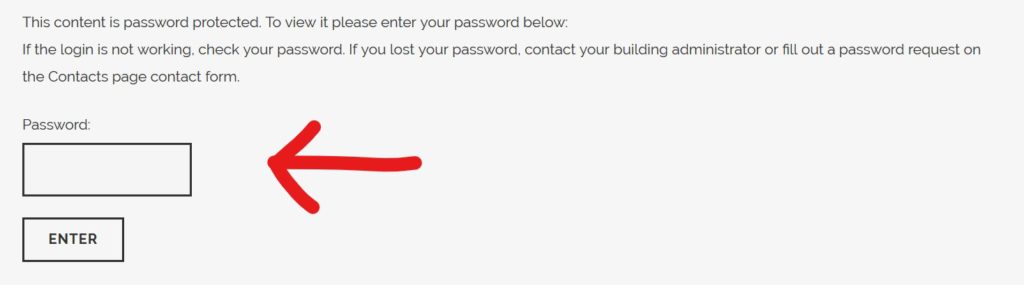
Once there, enter your password supplied by ownerstraining.com. If you don’t have the password contact your building administrator. Or, fill our the contact form on the “Contacts” page (listed on the top menu) with a password request.
Step 2 – Locating specific trainings
After logging in, find your required video by using the categories at the top of the page. Each video is listed by topic.

If you still can’t find your video, use the search function at the top of the page.

Step 3 – Watching your training
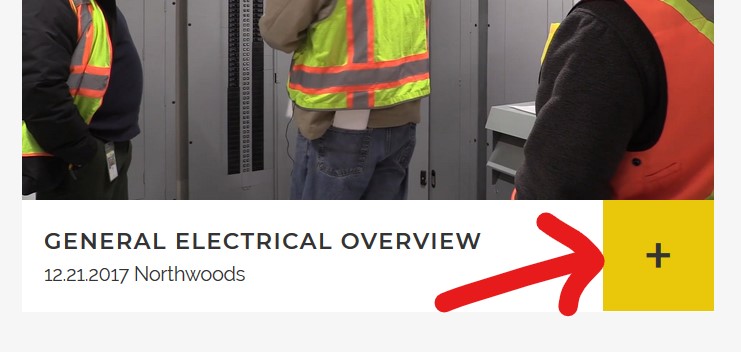
Select your video by clicking the + button next to the title.
Once your video has loaded, press the “play” button to watch the video. Once the video starts playing there are additional options for volume control and also a full-screen option.
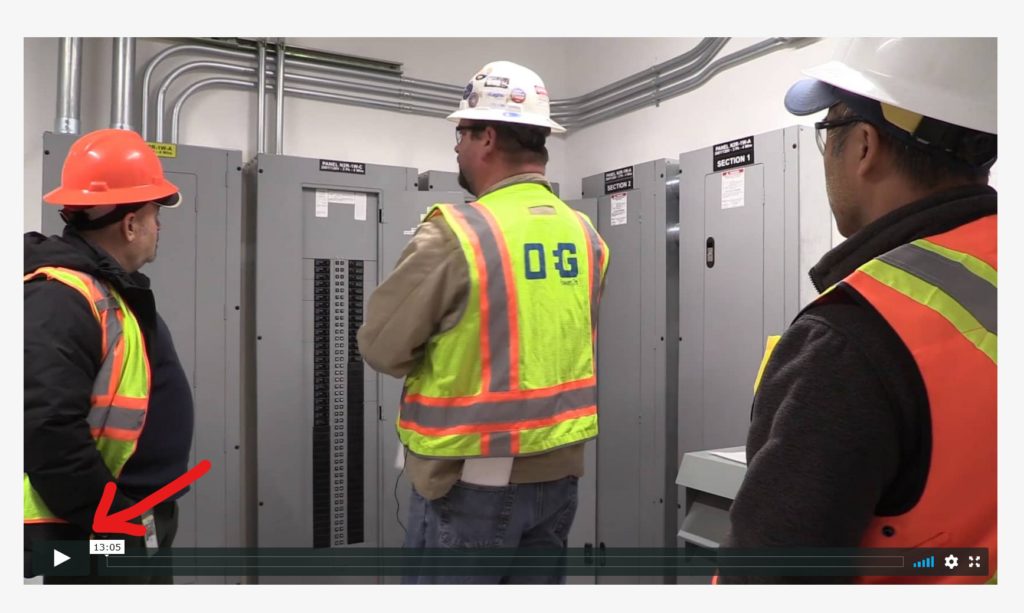
On mobile phones, the play button will appear at the middle of the video.
If you have any questions or notice any technical issues regarding the site, please contact us via the Contacts page contact form in the top menu. If your questions involve the training, please use the contact information provided there.